Driver Design Library

CITADEL

Overview

Driver app journeys were being rebuilt from scratch for each AI prototype. I created a searchable, journey-based library that lets Codex reuse existing screens, assets, and source links, making exploration faster and easier to share.

Challenge
AI prototypes kept rebuilding familiar driver app journeys from scratch, consuming credits and leaving teams to replace assets and reconnect screens manually.
Solution
A searchable design library that lets an AI agent retrieve existing screens, flows, and source links, then assemble them into reusable demos.
Prototype comparison
The journey took under 2 minutes to assemble—11.3× faster and using 70–85% fewer Codex credits than a rebuild from scratch.
Role
I led the initiative, covering product framing, workflow design, prototyping, and design-team enablement.
01 / The problem

Where did the idea come from?

01 The problem

  • One way our company uses AI is to create prototypes. These tools make it easy to explore ideas, but each new prototype often begins with a blank canvas.
  • Designers had to find the right driver app screens, replace assets, and reconnect the journey by hand.
  • That setup took time and used Codex credits before anyone could evaluate the product idea.
Credit usage table

1. High cost

Repeating the same setup for every project consumed a lot of credits.
Prototype fine-tuning

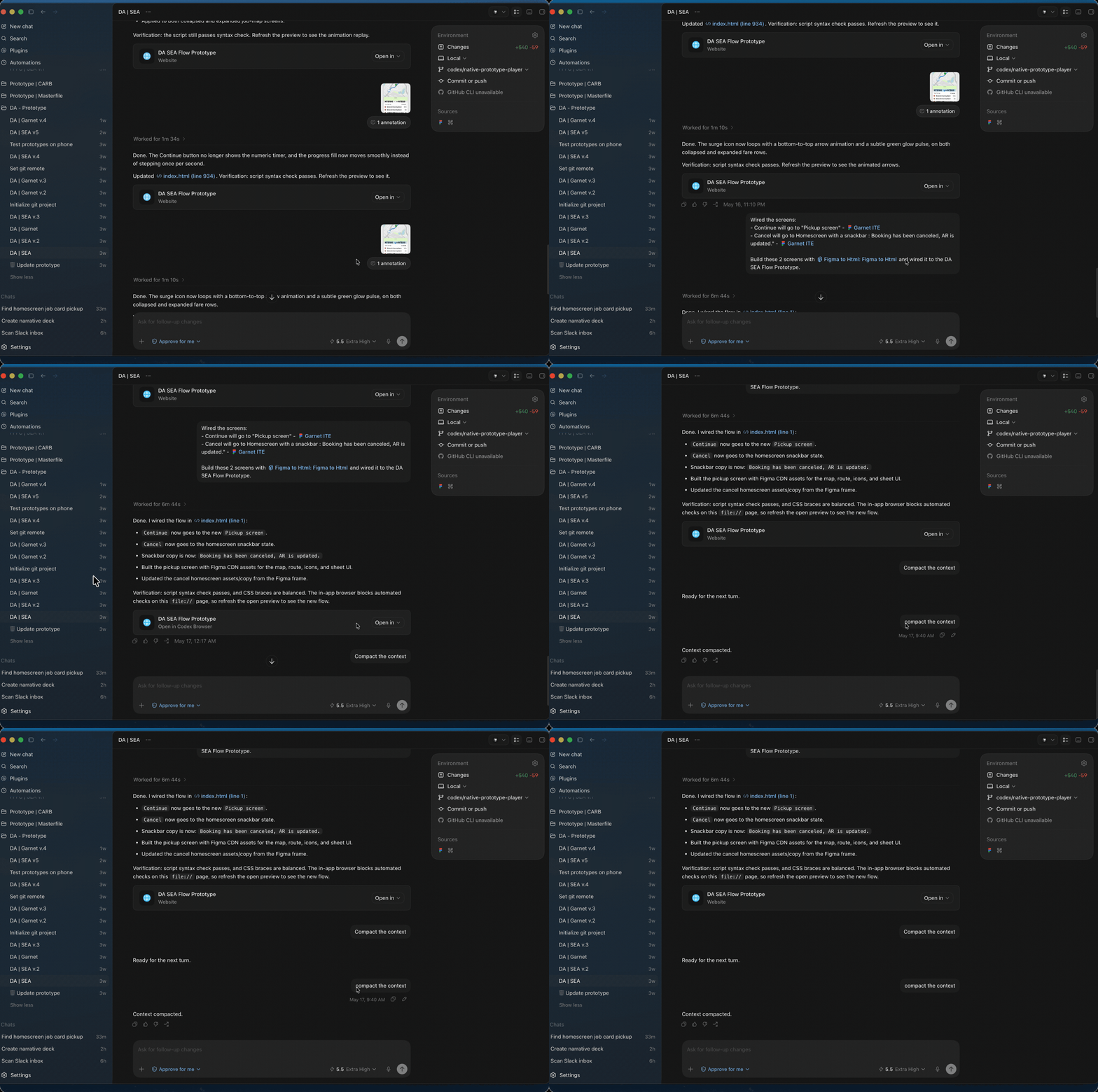
2. Time spent fine-tuning

After prompting, we still had to fine-tune the output, update assets, and connect the screens manually.
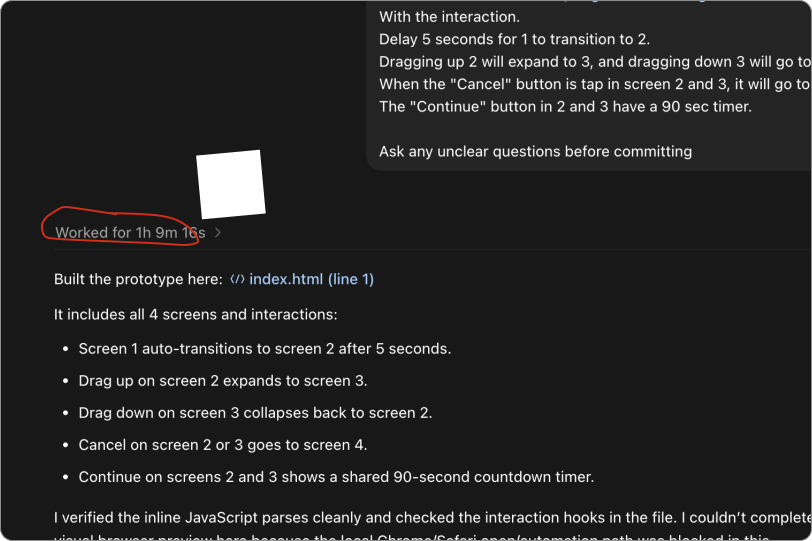
Time spent rebuilding a prototype

3. Time

Because Codex rebuilt each screen from scratch, generating a prototype took time.
02 The idea

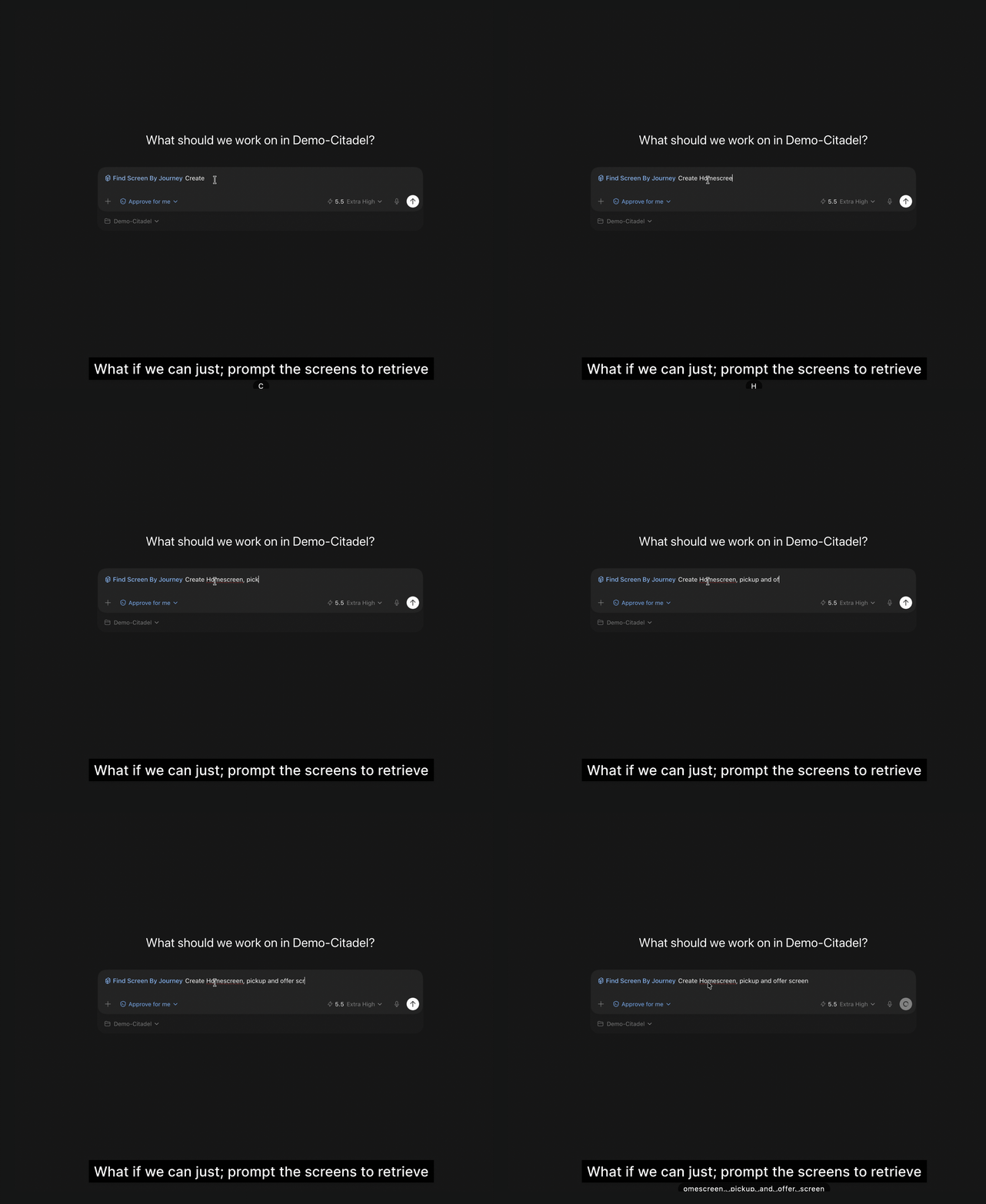
Prompting Codex to retrieve screens
What if we could prompt Codex to retrieve the screens we need?
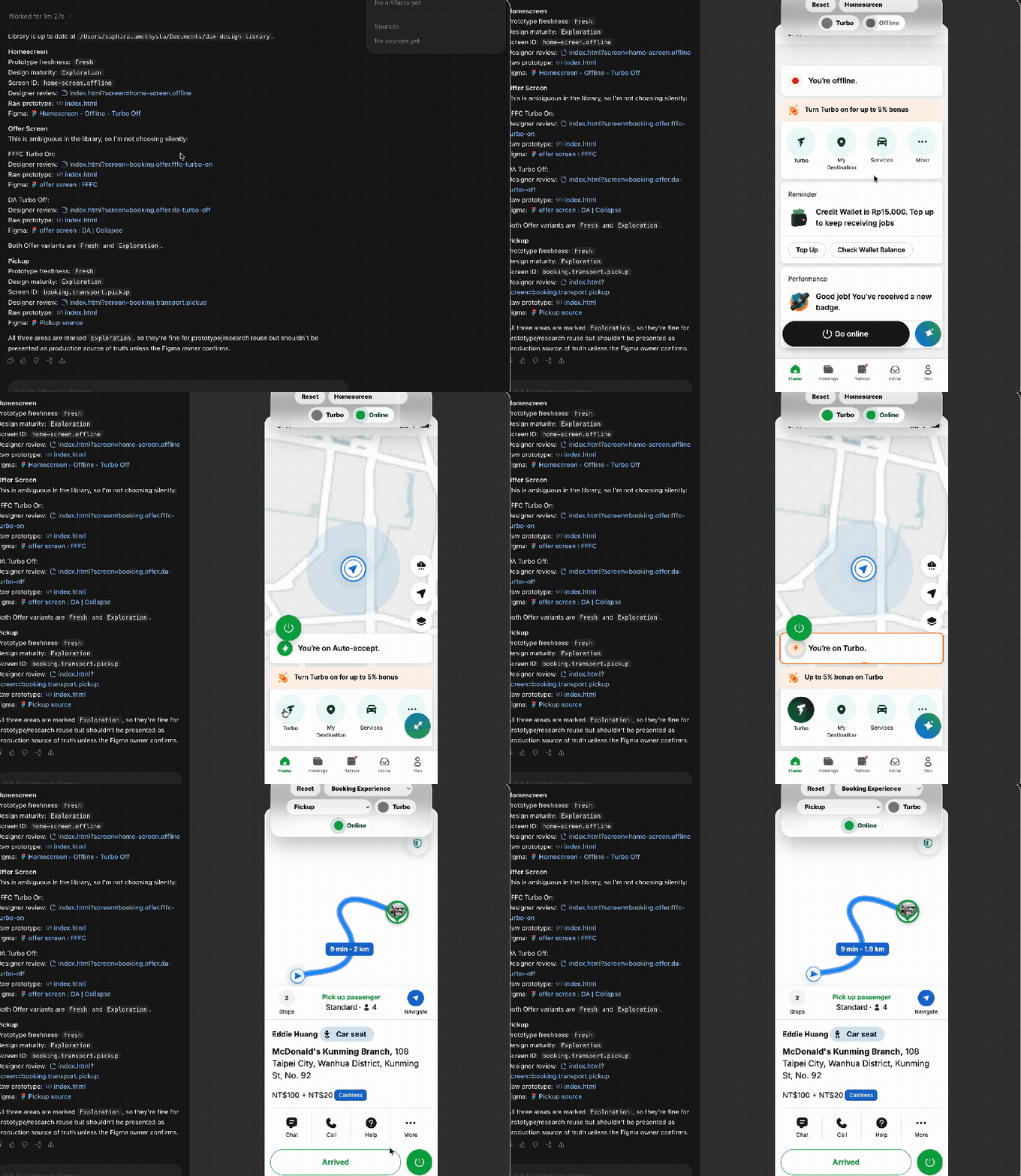
Ready-to-use Driver app prototype
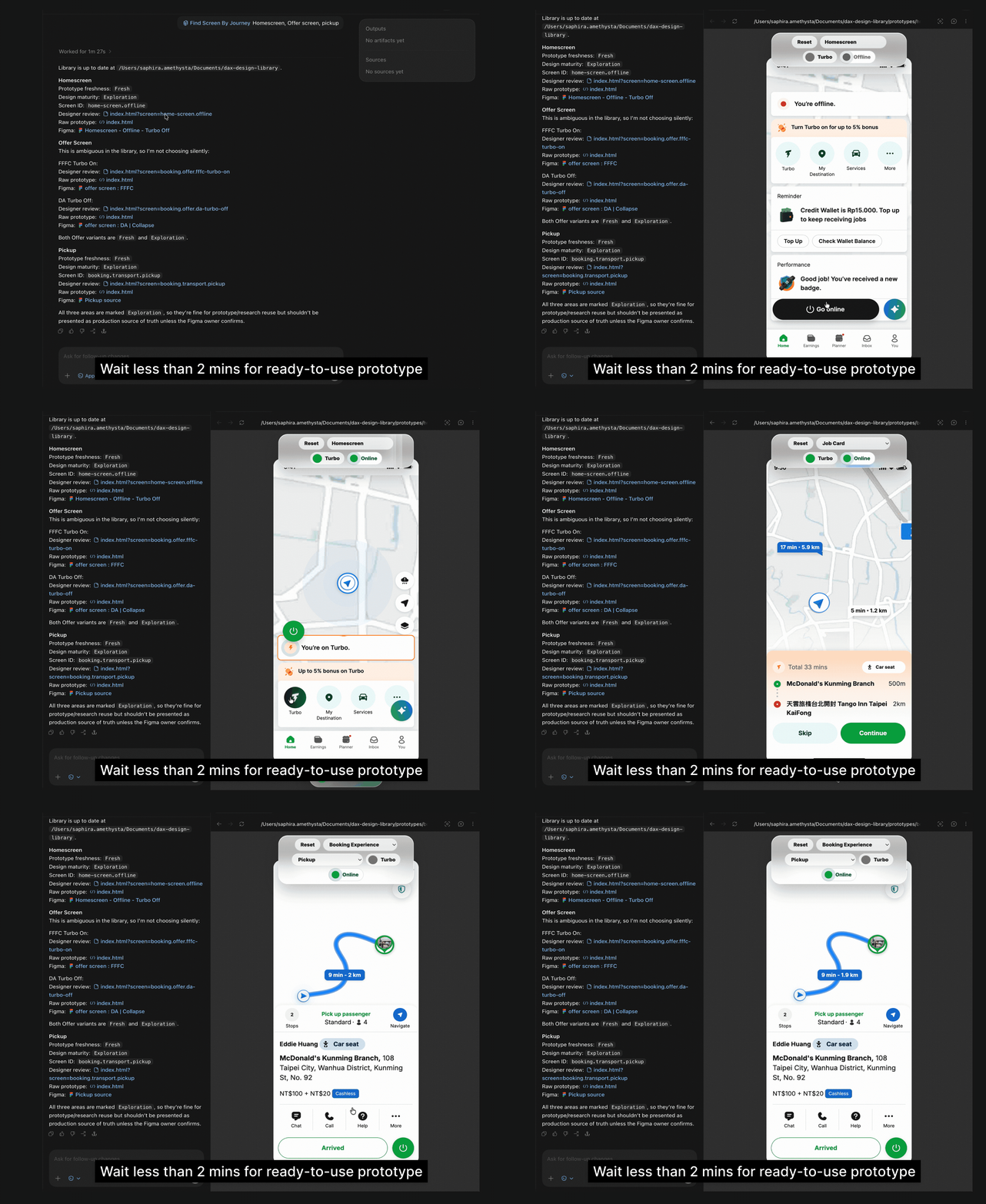
Get a ready-to-use prototype in under 2 minutes

03 The impact

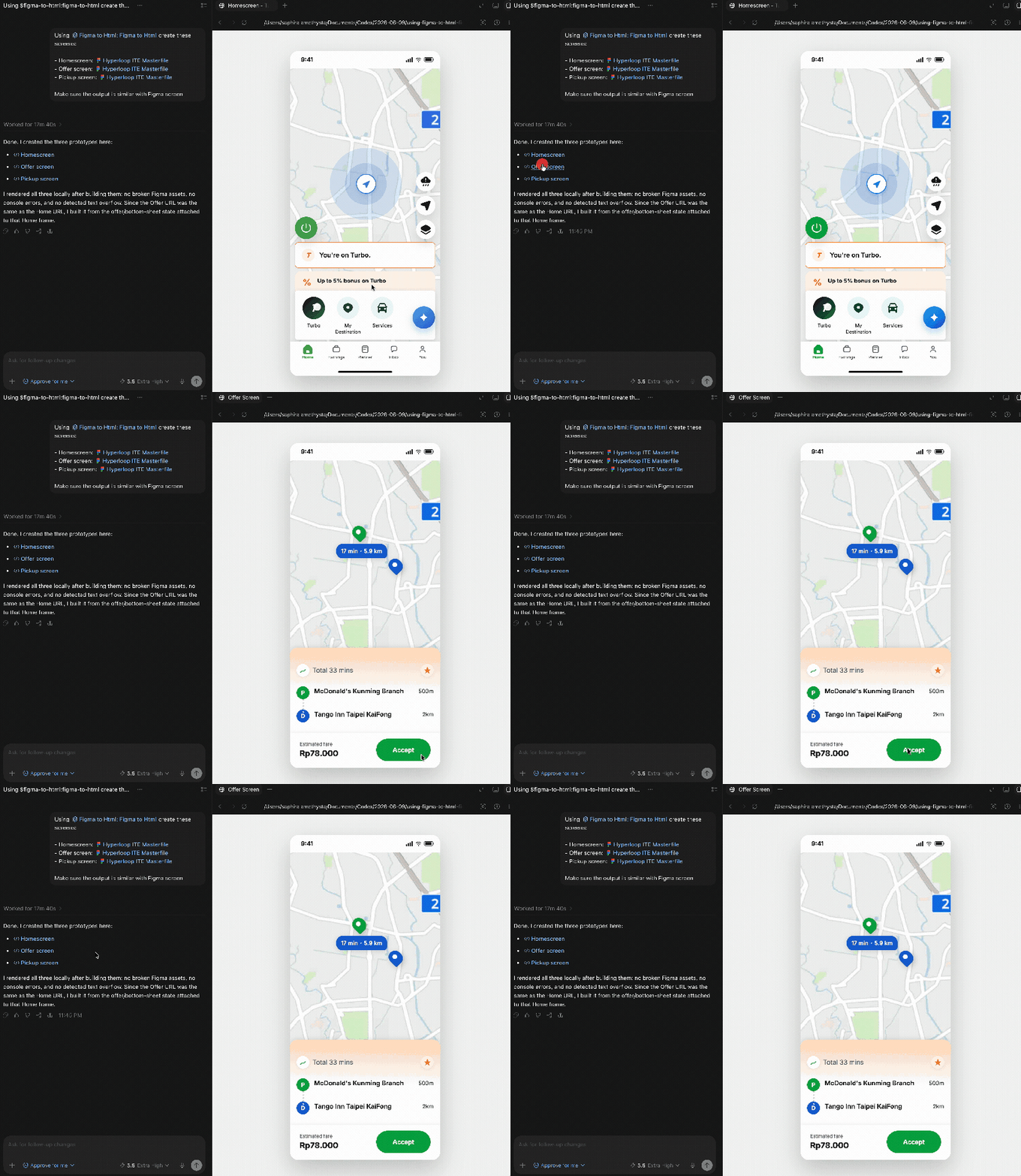
Previously generated Driver app prototype
Previously
Driver app prototype assembled with Dax Design Library
With Dax Design Library
11.3× faster

One prompt generated the full Dax journey, and the approach can be reused for other projects.

70–85% fewer credits

Prototype assembly used fewer Codex credits than rebuilding the journey from scratch.

No setup

The workflow works even when users have neither Figma MCP nor direct Figma access.

+ What the library needed to make possible

Move from a product question to a grounded, reviewable prototype while keeping people in control of the decisions.

1

Search by journey

Start with a task or brief, then find existing driver app screens and flows that match it.

2

Trace every source

Keep links to Figma sources, assets, and demos alongside the retrieved designs.

3

Review before building

Give designers clear points to review the concept, refine the prompt, and approve the direction.

4

Carry the work forward

Package a shareable prototype or handoff so the team can reuse the work.

03 / Workflow

How to access the library

01 A reusable workflow through GitLab

Installing and using the Dax Design Library workflow

Instead of asking AI to invent a screen, the workflow first finds relevant driver app designs. Designers provide the product goal and constraints; Codex retrieves and assembles the material, then helps the team iterate on it.

  1. 1Describe the product question, audience, and journey.
  2. 2Retrieve existing screens, flows, assets, and Figma source links.
  3. 3Review the proposed direction and refine it with human feedback.
  4. 4Package a demo bundle or continue in Design Studio.

02 The library

Designers can search the library by screen. It includes most screens in the Driver app, from onboarding and booking to off-transit journeys. Designers can also contribute to the library.
Dax library screen browser with journey filters

How do non-designers use the library?

01 Goal

Help stakeholders visualise their ideas.

Reduce reliance on designers during early exploration while preserving links to source designs and their constraints.
02 Masterclass

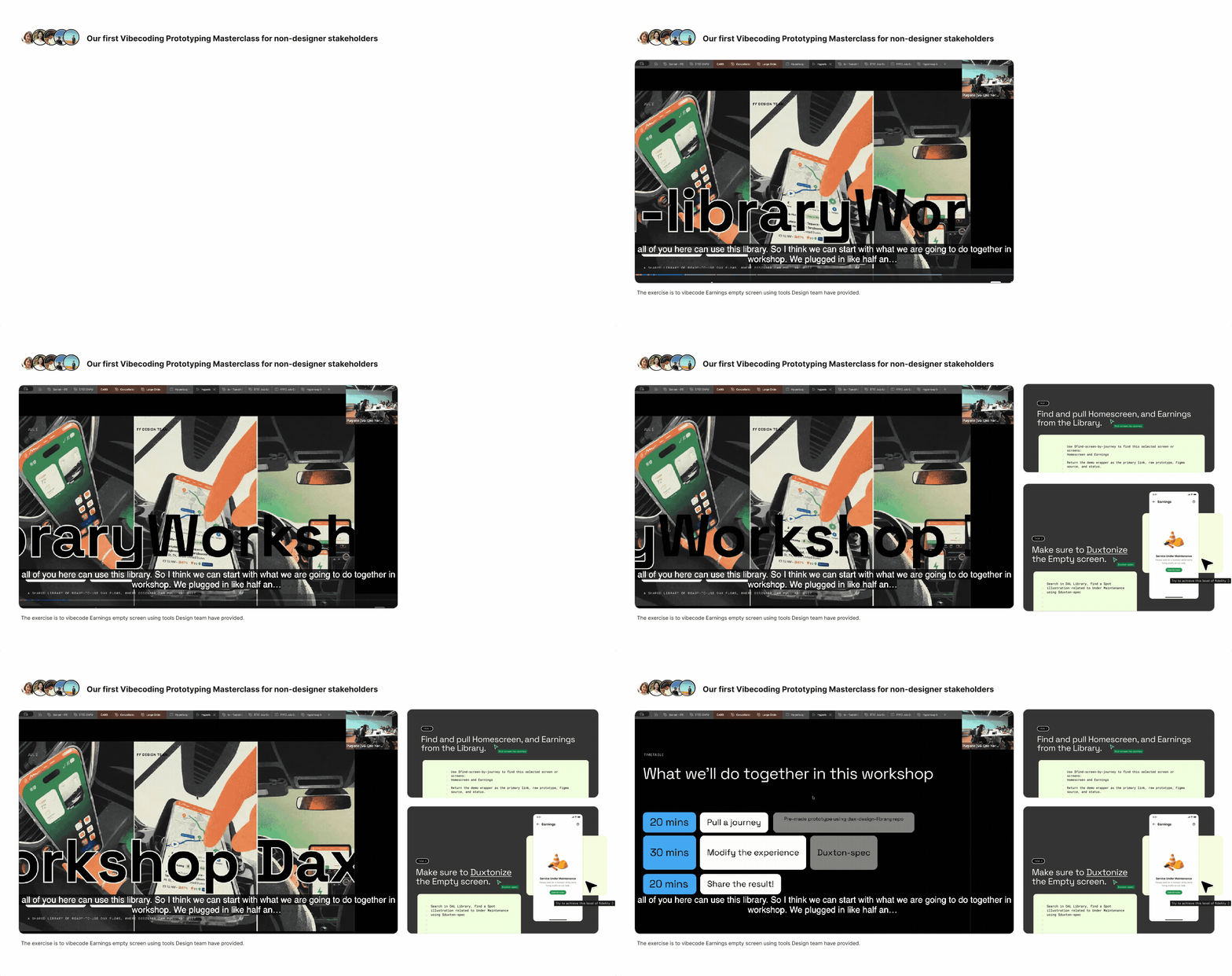
First Vibecoding Prototyping Masterclass
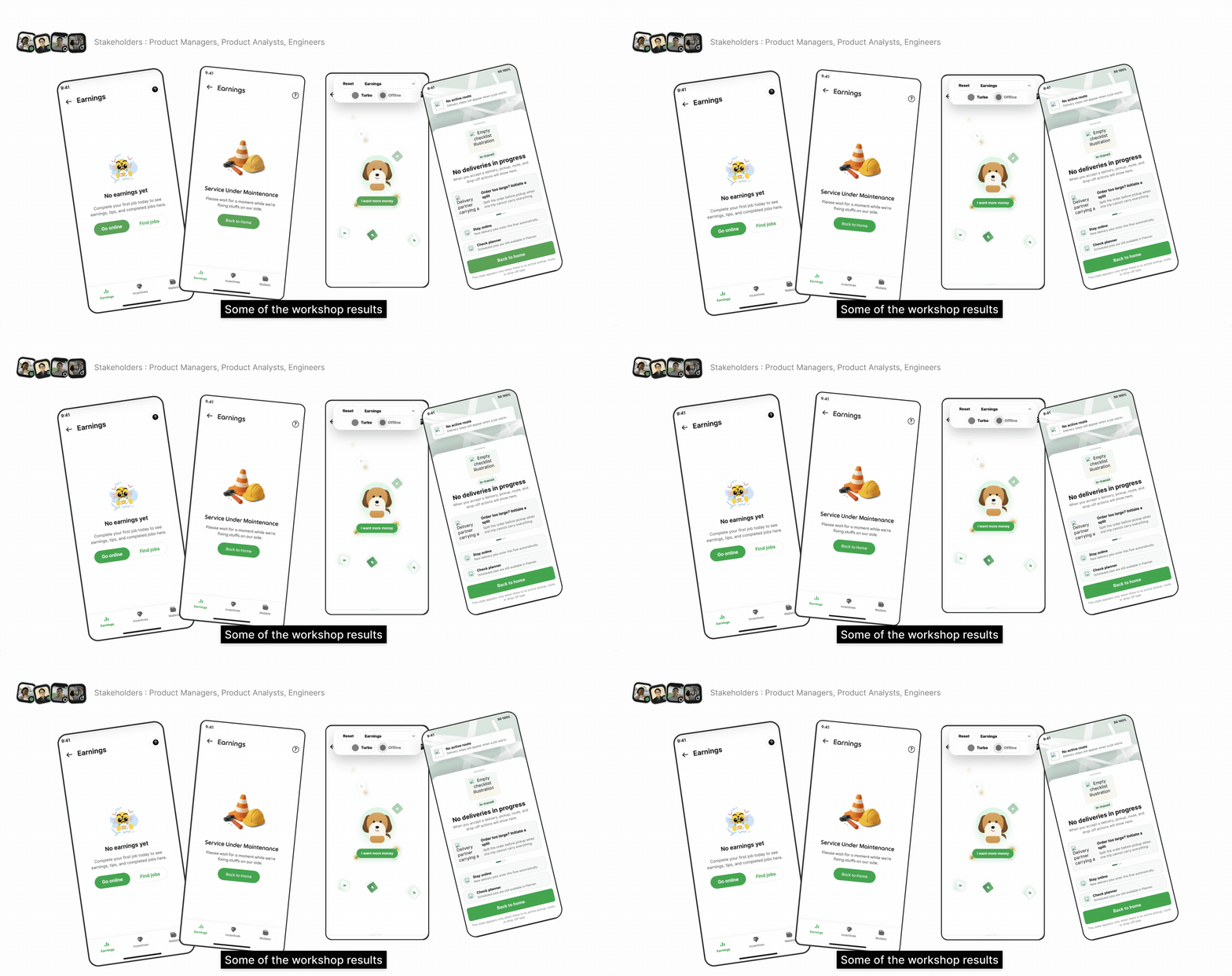
Workshop results from non-designer stakeholders

Vibecoding Prototyping Masterclass

I wrapped the first masterclass to introduce stakeholders to the tools and give them a practical starting point for trying the workflow.

First exercise: the empty Earnings screen

The exercise

Participants used the tools provided by the design team to prototype an empty Earnings screen and apply the workflow to a concrete example.

From shared tools to hands-on practice
03 Post-workshop application

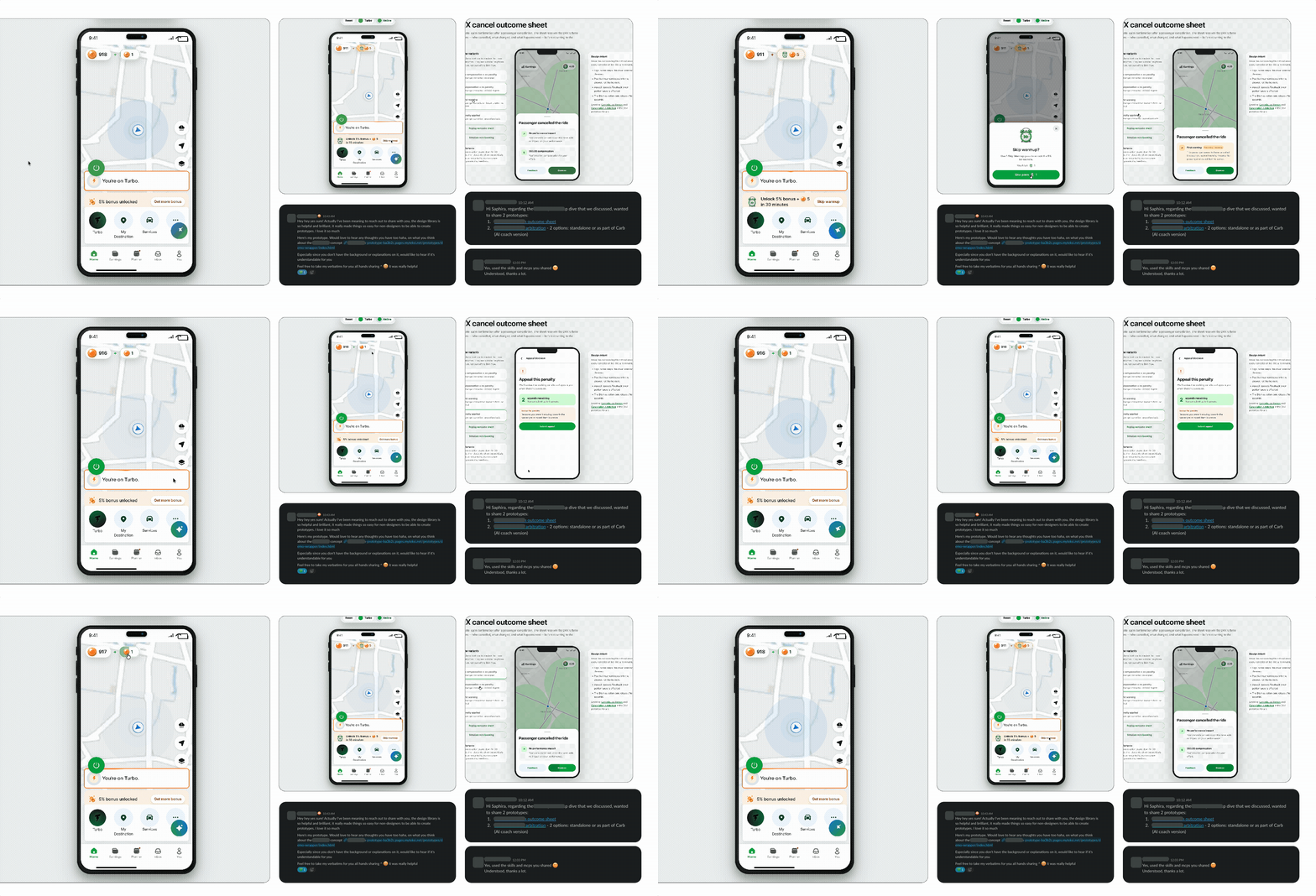
Stakeholder prototype and feedback

Some product managers actively use the library to visualise early ideas and communicate their concepts, reducing their reliance on designers when the design team is at capacity.
How do designers use the library?

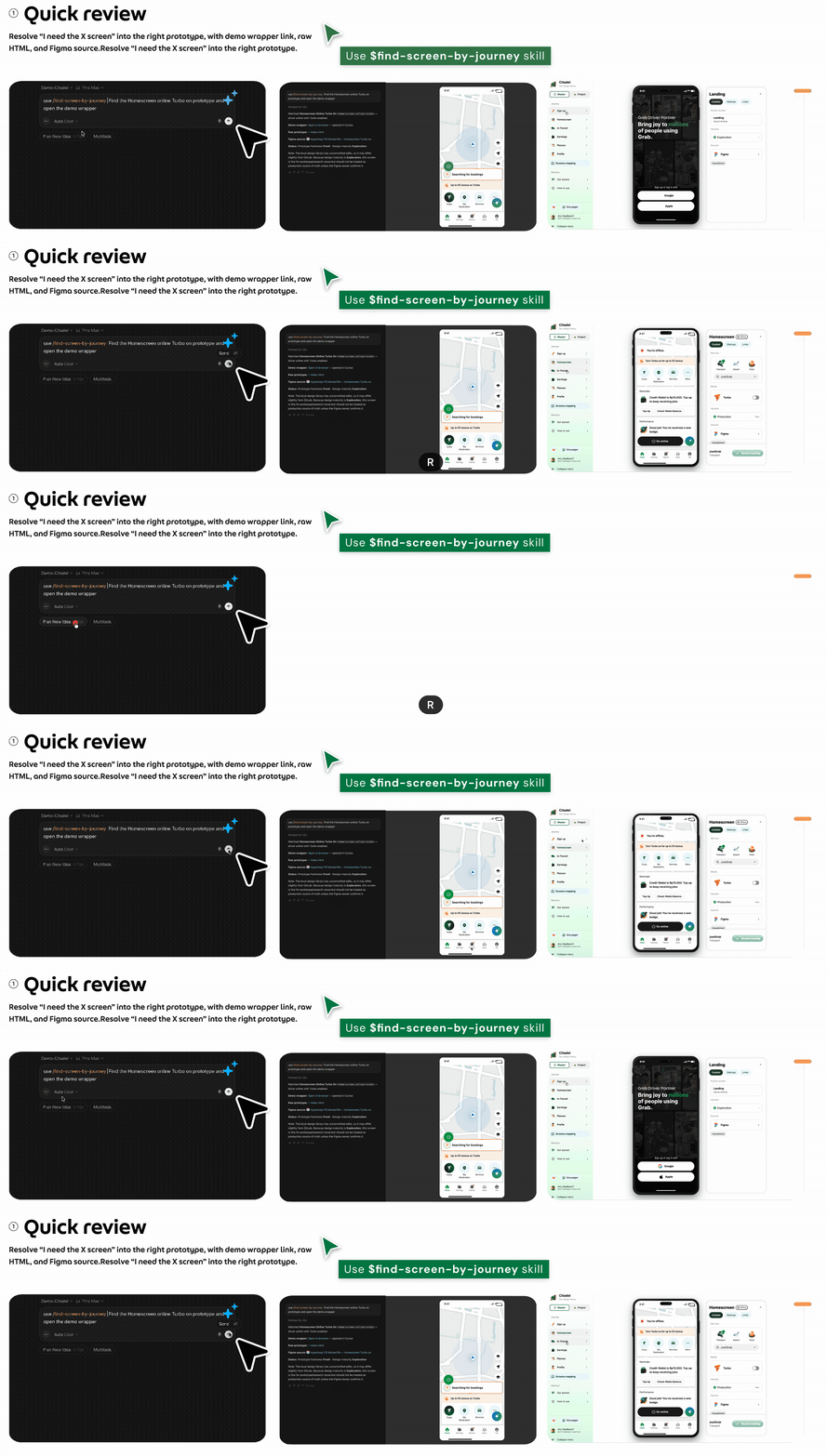
01 Use the skill to find screens quickly

Find screen by journey and quick review workflow

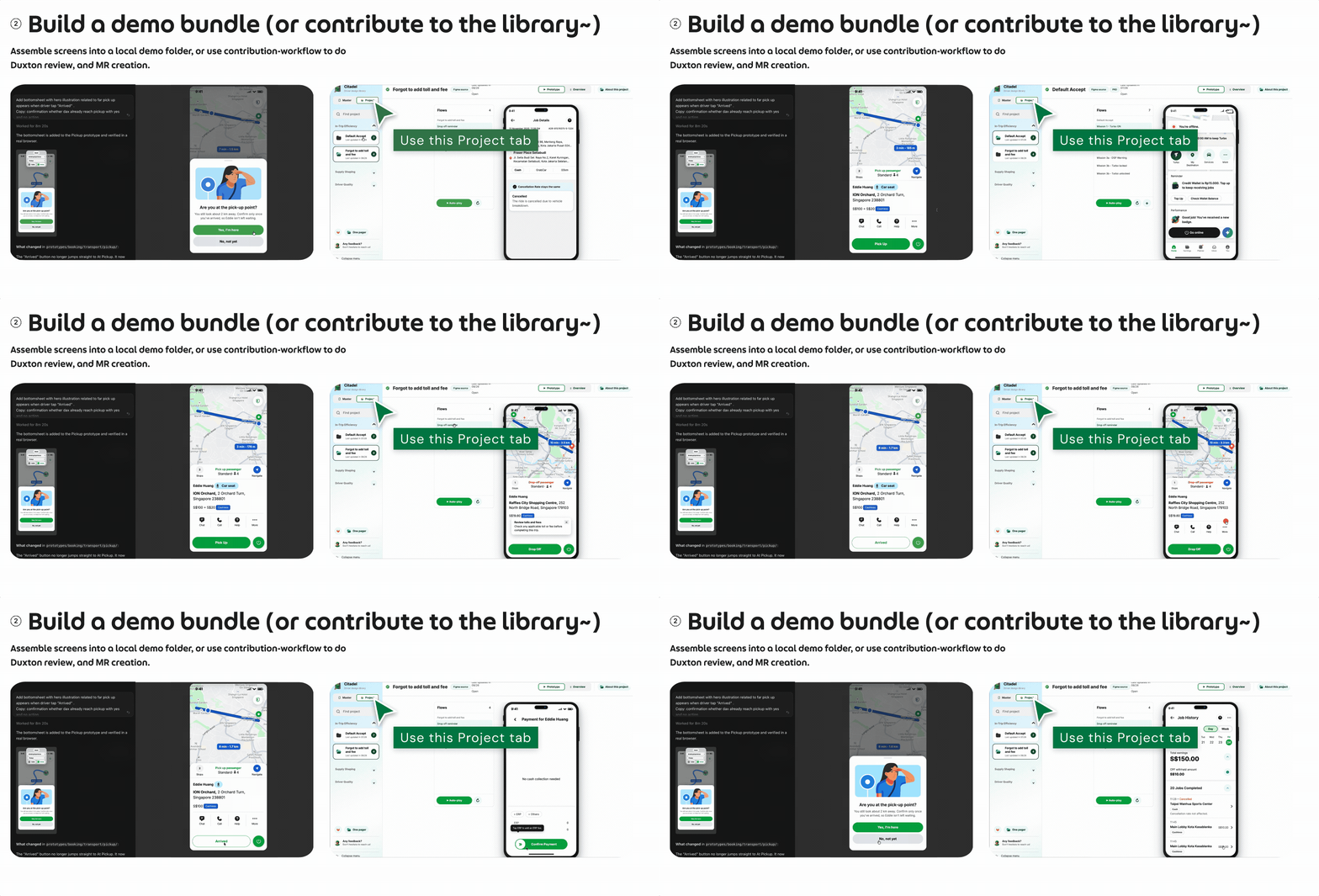
02 Contribute to the library

Build a demo bundle or contribute to the library

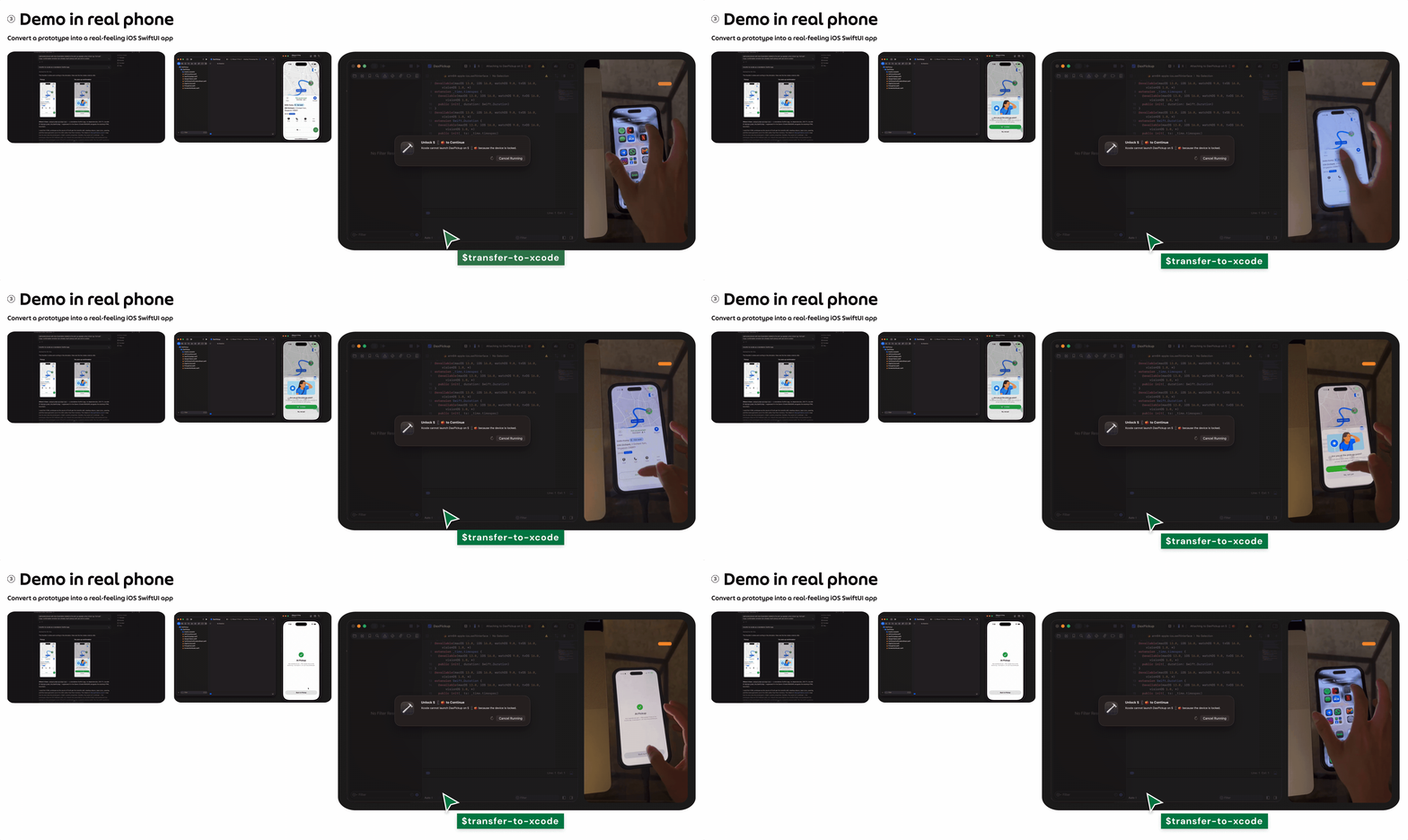
03 Test prototype on a phone

Transfer the prototype to Xcode and test on a real phone

What did we learn?

Start before you know whether it will be valuable

Even when its long-term value was unclear, I trusted that the work would create learning—even if the library became redundant or was eventually scrapped. It helped build the habit and confidence to experiment with AI.

Keep control of the product blueprint and understand how AI fits into your workflow.

AI should not decide what the product is. Define the goals, rules, and milestones.

The prototype does not have to be the destination; it can be the substrate.

The library’s lasting output is a portable, queryable knowledge layer about the Driver app. Prototypes are its most visible expression, while the underlying knowledge can support other products and workflows.